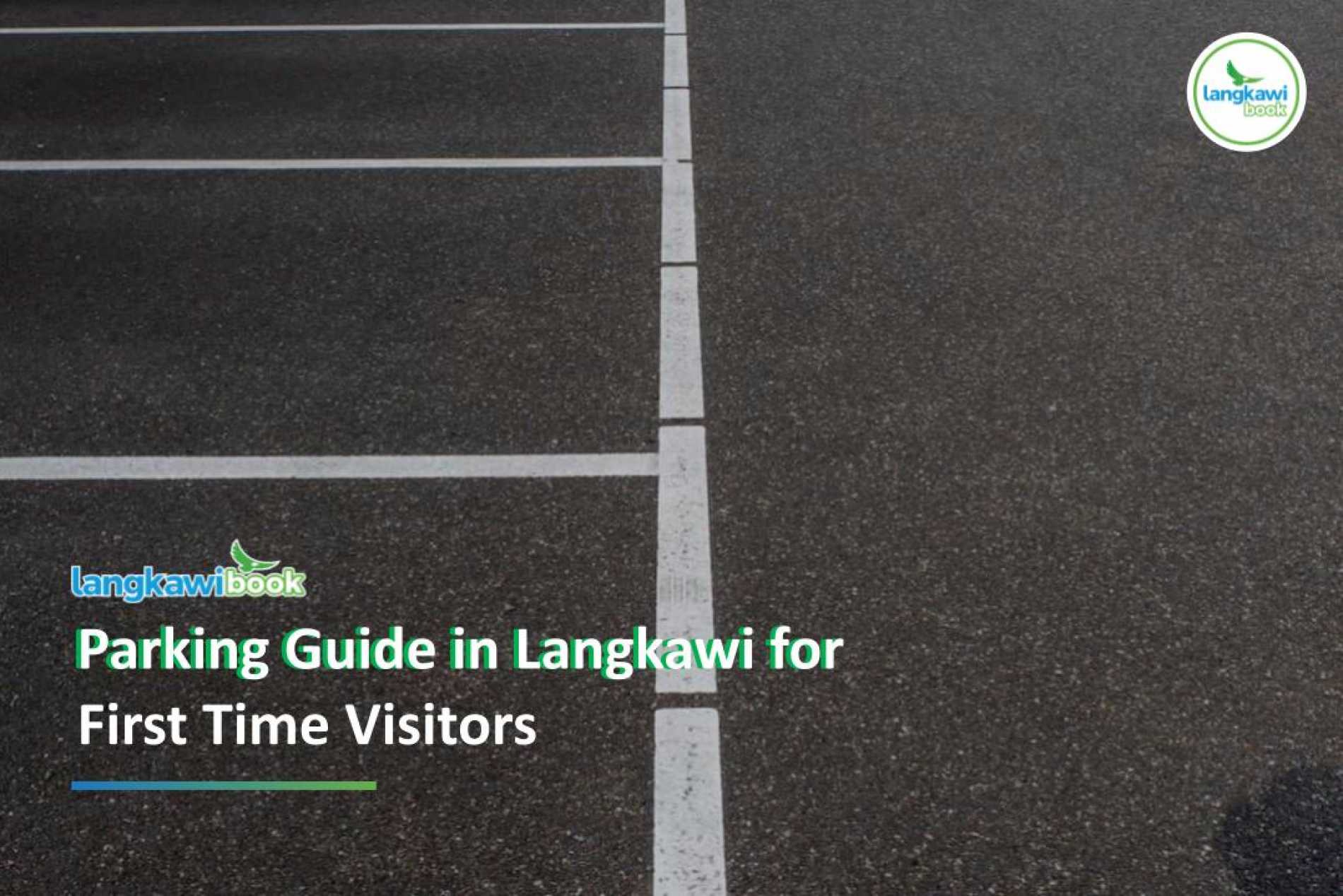
Parking Guide in Langkawi for First Time Visitors
If you're renting a car in Langkawi, understanding how parking works can save you from unnecessary fines and frustration. While driving around the island is relatively easy, many first-time visitors are caught off guard by paid parking zones, parking rules, and the payment system.
This guide covers everything you need to know about parking in Langkawi, including parking rates, payment methods, common mistakes to avoid, and useful tips to make your trip hassle-free.
Is Parking Free in Langkawi?
The answer depends on where you are.
Most tourist attractions, beaches, waterfalls, and rural areas offer free parking. However, the island's two busiest towns—Kuah Town and Pantai Cenang—operate paid parking systems.
If you're visiting shopping areas, restaurants, or commercial districts in these locations, you'll most likely need to pay for parking.
Places Where Parking Fees Apply in Langkawi
- Kuah Town (Pekan Kuah)
- Pekan Rabu (Kuah)
- Cenang Beach Street (You can park behind Cenang Mall and pay via Debit/TnG/ApplePay)
Places Where Parking is Not Allowed in Langkawi
- Areas without designated parking spaces
- Langkawi Yacht Club Street (Kuah). You can park in the paid jetty area.
- Fisherman Wharf Street (Kuah). You can park in the paid jetty area.
Parking Rates in Langkawi
Kuah Town (Operation Hours: Sunday - Thursday, 8AM-5PM)
Parking in Kuah is charged at:
-
RM0.20 per 20 minutes
-
RM0.60 per hour
-
RM90 per month
Kuah is where you'll find many duty-free shops, government offices, shopping malls, and the ferry terminal. Since parking is inexpensive, it's always worth paying to avoid receiving a parking fine.
Pantai Cenang (Operation Hours: Sunday - Thurday, 8AM-5PM)
Parking in Pantai Cenang costs:
-
RM3 per hour
-
RM15 per day (5 hours)
-
RM90 per month
There are no parking charges in Langkawi on Friday, Saturday and Public Holiday.
Pantai Cenang is Langkawi's most popular tourist area, with numerous cafés, restaurants, hotels, souvenir shops, and beach activities. During weekends and peak holiday seasons, parking spaces can fill up quickly.
What Happens If You Don't Pay?
Many visitors assume parking is free because there are no physical parking barriers or ticket machines.
However, parking enforcement officers regularly patrol both Kuah and Pantai Cenang.
If you fail to pay, you may receive a parking compound (fine) of up to RM30.
Although the fine isn't extremely expensive, it's an unnecessary expense that can easily be avoided by paying for parking.
How to Pay for Parking in Langkawi
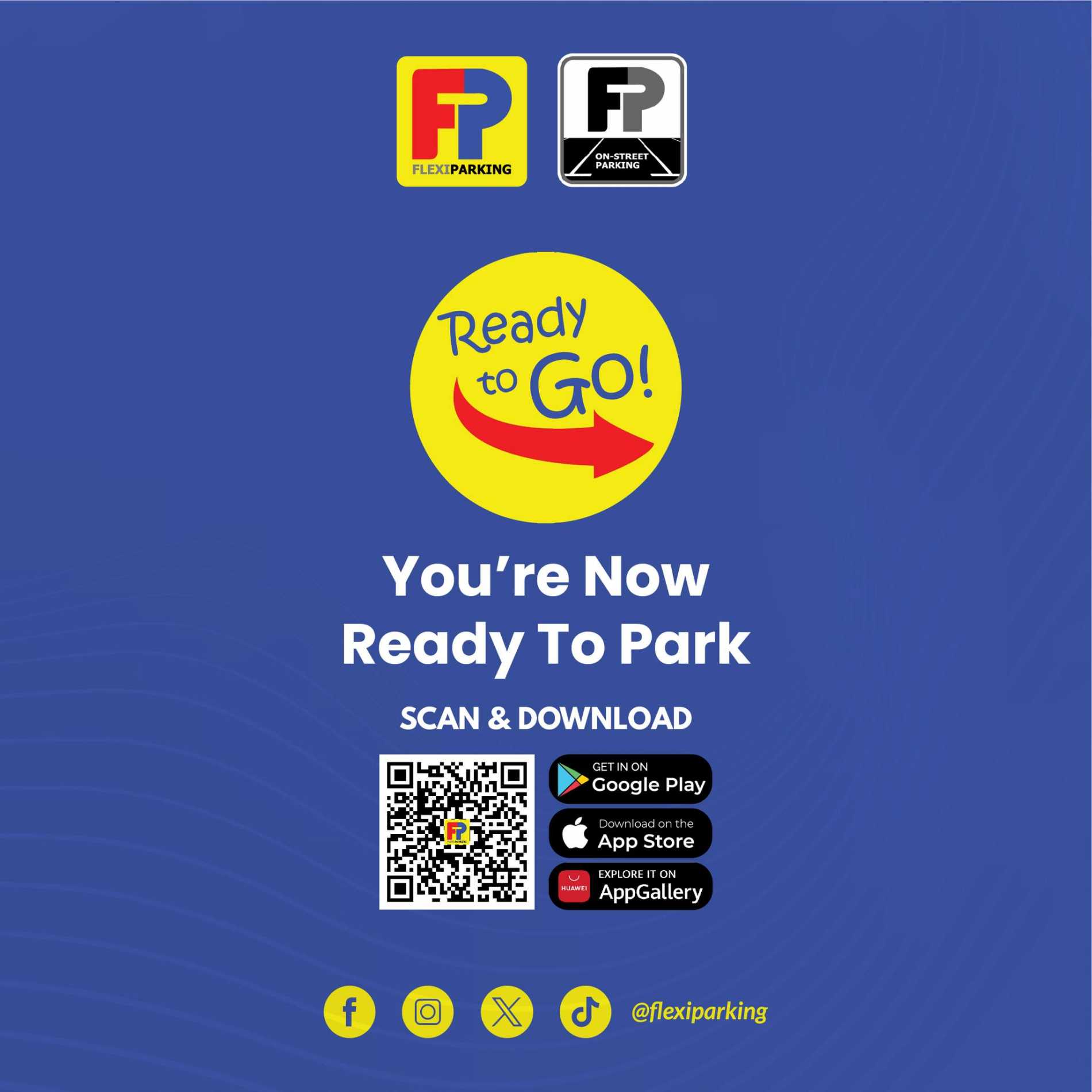
The easiest and most convenient method is through the Flexi Parking mobile app.
Step 1: Download the Flexi Parking App
It's highly recommended to download the app before you start driving around the island.
It's available on Android and iOS.
Step 2: Register Your Vehicle
Enter your rental car's registration number into the app.
If you're driving a rental car, simply use the number plate provided by the rental company.
Step 3: Select Your Parking Zone
Enable app location if you want GPS to detect your location. Choose the correct parking location:
-
Kuah
-
Pantai Cenang
Then select the duration you wish to park.
Step 4: Make Payment
Pay directly through the app. Use the app to activate your parking session based on your location. Remember to tap "Start" when you park and "Stop" when you leave.
If you're staying longer than expected, you can usually extend your parking time without returning to your vehicle.
Flexi Parking accept: FPX, Credit Card (Visa, MasterCard), Boost, Touch N Go, GrabPay
Parking Rules You Shouldn't Ignore
In Kuah
Parking bays are generally straightforward and clearly marked.
Always park within the designated parking lines and remember to activate your parking session through the Flexi Parking app.
In Pantai Cenang
This is where many first-time visitors make mistakes.
Much of Pantai Cenang operates as a one-way road.
Only park on the right-hand side where parking bays are officially marked.
Avoid parking on the left-hand side of the road, even if other vehicles are parked there.
Several visitors have reported receiving parking fines and towing despite paying for parking because their vehicle was parked outside designated parking bays.
When in doubt, look for painted parking lines before leaving your car.
Tips to Avoid Parking Fines in Langkawi
1. Don't Park in Restricted Areas
Avoid parking on yellow lines, in front of fire stations, on narrow roads, or too close to junctions.
2. Ask LangkawiBook Team If You're Unsure
If you're unsure where to park, you can contact our support team and we will guide you on where it's safe to park.
3. If You Get a Parking Fine
Pay it as soon as possible to enjoy the discounted rate. For example, a RM30 fine may be reduced to RM20 if paid within 24 hours.
Common Parking Mistakes to Avoid
To avoid unnecessary fines, keep these tips in mind:
-
Don't assume parking is free just because there isn't a parking machine.
-
Always pay immediately after parking.
-
Double-check that you've selected the correct parking zone in the app.
-
Park only in designated parking bays.
-
In Pantai Cenang, avoid parking on the left side of one-way streets.
-
Keep an eye on your parking duration and extend it if your plans change.
Pro Tip: Set Up Parking Before You Need It
One of the easiest ways to avoid stress is to download the Flexi Parking app as soon as you arrive in Langkawi.
If you're collecting a rental car at Langkawi International Airport, take a few minutes before leaving the airport to:
-
Download the app.
-
Register your rental vehicle.
-
Familiarise yourself with how the app works.
This way, when you reach Kuah or Pantai Cenang, you'll only need a few seconds to activate your parking.
Frequently Asked Questions
Is parking free at tourist attractions?
Most attractions such as beaches, waterfalls, viewpoints, and villages offer free parking. Paid parking mainly applies in Kuah Town and Pantai Cenang.
Can tourists use the Flexi Parking app?
Yes. Both locals and tourists can use the app. Simply register your rental car's number plate before paying.
Can I receive a fine even if I paid?
Yes. Payment alone does not make an illegal parking spot legal. You must park in a designated parking bay and follow local parking regulations.
Final Thoughts
Parking in Langkawi is simple once you understand the system. Most places around the island are free to park, while Kuah Town and Pantai Cenang require paid parking through the Flexi Parking app.
For first-time visitors, the best advice is simple: plan your trip, download the app when you arrive, pay for parking as soon as you park, and always use designated parking bays—especially in Pantai Cenang. Spending a few ringgit on parking is far better than dealing with an avoidable RM30 fine during your holiday.
Looking for trusted and reliable car hire in Langkawi, book with us at Langkawibook!


Featured Post

Recent Post